
In-depth architectural analysis of Vendure, the modular headless framework powered by NestJS and GraphQL.
When I started building a serious e-commerce infrastructure for African markets, I realized something obvious in retrospect: the available tools were not designed for me.
Shopify gives you a turnkey platform — but you are a prisoner of their ecosystem, their limited APIs, their dollar-based pricing, and especially their vision of commerce. A vision that assumes your customers pay by credit card, read their emails, and live in a market where Stripe works.
WooCommerce gives you more freedom, but it's PHP from 2010 on WordPress. Not a base on which I want to build something that scales.
Medusa is interesting, but it imposes its own ORM (MikroORM), its own workflow system, its own paradigm. You enter their universe.
Then I discovered Vendure. And I understood why serious TypeScript developers all end up there.
This article is what I would have wanted to read before spending weeks understanding how Vendure really works — not just the surface, but the architecture, the patterns, the design decisions that make it so powerful.

1. What Vendure really is — not a CMS, not a SaaS
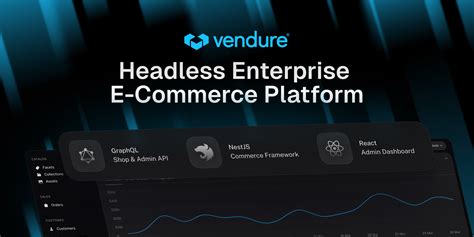
Vendure is not an online store. Nor is it a CMS with e-commerce functionalities tacked on. It's a headless commerce engine — a backend infrastructure that manages all commerce logic and exposes a GraphQL API that you consume from any frontend.
The conceptual difference is important. A SaaS like Shopify imposes an interface, a checkout process, fixed functionalities. Vendure imposes nothing. It gives you the building blocks: product catalog, order management, payment system, customer management, promotion system. How you assemble them, how you present them, what you add on top — that's entirely up to you.
The numbers that matter: 8,200+ stars on GitHub. Written in native TypeScript. Built on NestJS and TypeORM. In production in dozens of e-commerce projects worldwide. Actively maintained since 2019.
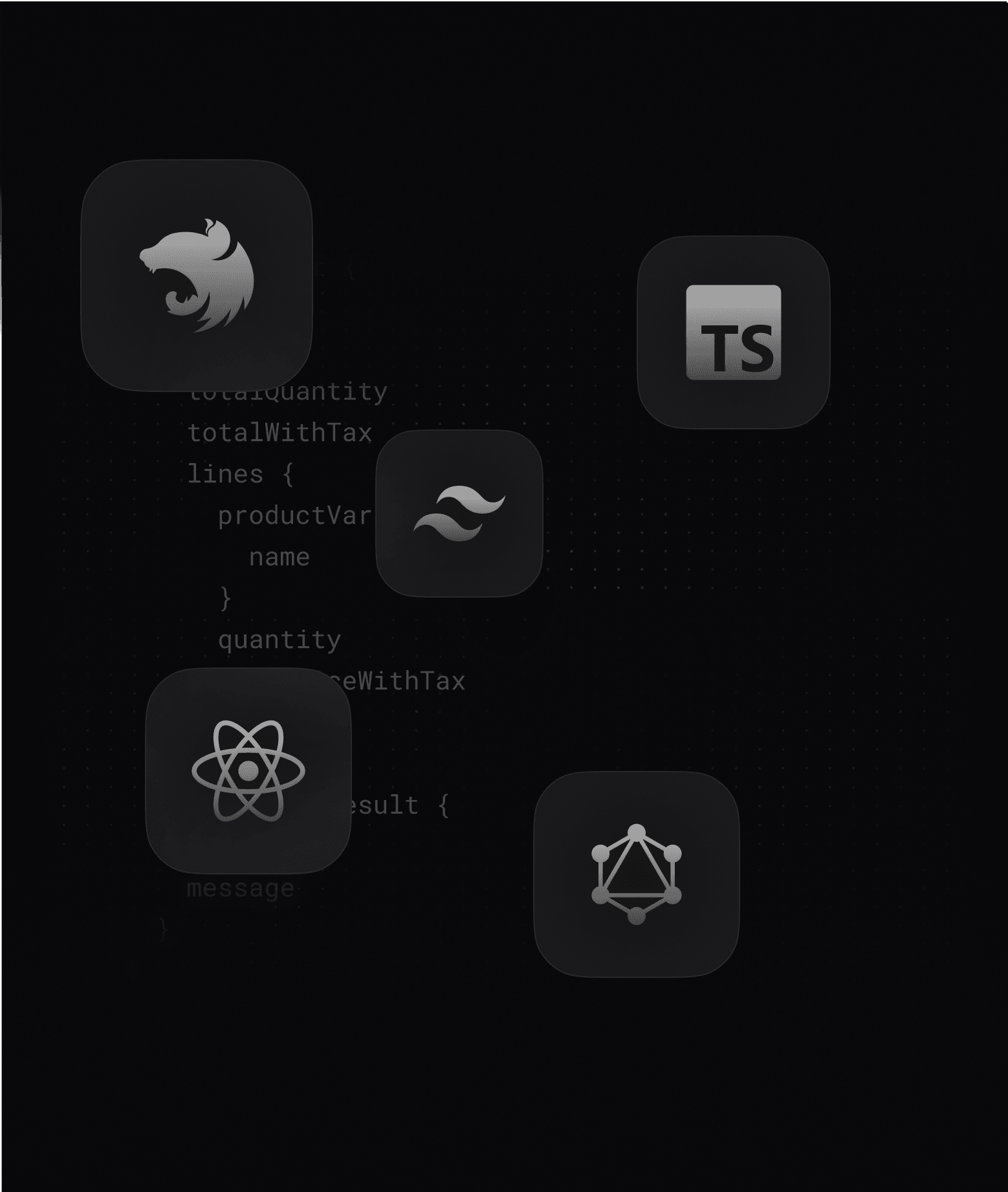
Vendure's technical stack says a lot about its creators. They chose NestJS — the Node.js framework that brings the structure, dependency injection, and modularity that projects of this complexity require. They chose TypeORM — the most mature ORM solution for TypeScript. They chose GraphQL — because the commerce API is inherently relational and GraphQL clients need flexibility in what they fetch.
These choices are not accidental. They reflect an opinion on how to build software that lasts.
2. The architecture that changes everything — the plugin system
The first thing you need to understand about Vendure, is that everything is a plugin.
This is not a marketing slogan. It's an architectural truth. Vendure's core manages the bare minimum — fundamental data types, the request pipeline, the database connection. Everything else — payment methods, shipping strategies, tax calculations, promotions — is implemented via plugins.
And you can write your own.
import { PluginCommonModule, VendurePlugin } from "@vendure/core"

import { MonPlugin } from "./mon-plugin.service"

@VendurePlugin({
  imports: [PluginCommonModule],
  providers: [MonPlugin],
  entities: [MonEntite],
  shopApiExtensions: {
    schema: monSchemaGql,
    resolvers: [MonResolver],
  },
  configuration: (config) => {
    // Modify Vendure config at startup
    return config
  },
})
export class MonPlugin {}
This @VendurePlugin() decorator does several things at once. It registers your TypeORM entities in the global database connection. It adds your GraphQL resolvers to the existing schema. It registers your NestJS services for dependency injection. It allows you to modify Vendure's configuration at startup.
A Vendure plugin is a standalone unit. It can be activated or deactivated in the main configuration. It can be published to npm and reused in any Vendure project. It can have its own database migrations, its own GraphQL endpoints, its own event handlers.
It is this architecture that makes Vendure infinitely extensible. You never patch the source code. You extend via plugins.
3. The commerce engine — what Vendure manages for you
Before talking about what you can add, let's talk about what Vendure gives you out of the box. It's considerable.
The order state machine
Managing e-commerce order states correctly is much more complex than it seems. An order can be in the process of adding items, awaiting payment, authorized but not yet captured, partially shipped, delivered, or canceled.
Vendure models all of this as a state machine with explicit transitions:
AddingItems → ArrangingPayment → PaymentAuthorized → PaymentSettled → PartiallyShipped → Shipped → Delivered
And Cancelled is accessible from almost any state.
The beauty is that each transition is explicit, audited, and customizable. You can add your own states if your use case requires it — an AwaitingWhatsAppConfirmation state, for example, for markets where the customer confirms their order via WhatsApp before paying.
Ready-to-use services
Vendure exposes NestJS services that you inject into your own services and plugins:
@Injectable()
export class MonService {
  constructor(
    private orderService: OrderService,
    private customerService: CustomerService,
    private productService: ProductVariantService,
    private transactionService: TransactionalConnection
  ) {}

  async getOrderWithCustomer(ctx: RequestContext, orderId: ID) {
    const order = await this.orderService.findOne(ctx, orderId)
    const customer = await this.customerService.findOne(ctx, order.customerId)
    return { order, customer }
  }
}
You never rewrite the logic for retrieving an order or managing product variants. All of that is handled out of the box.
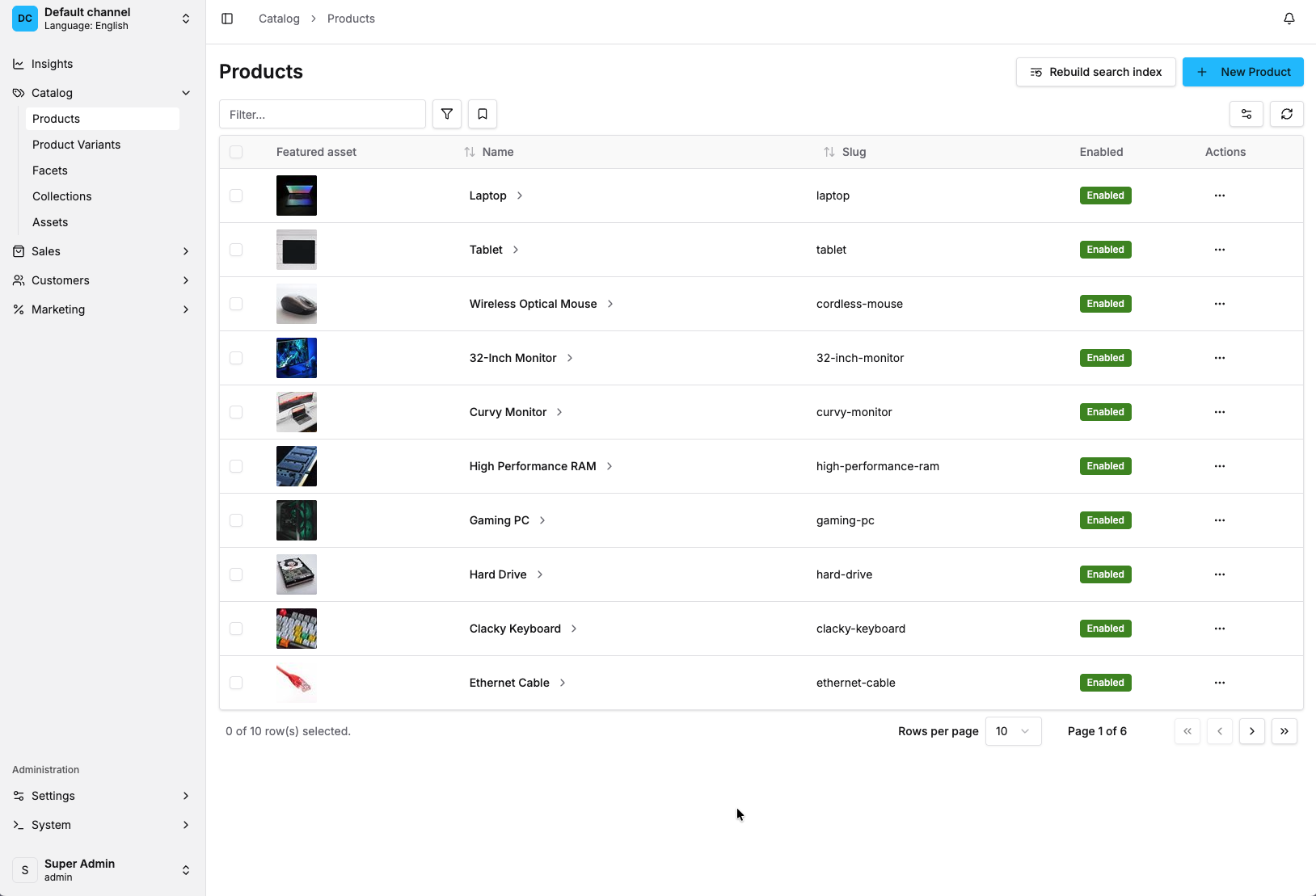
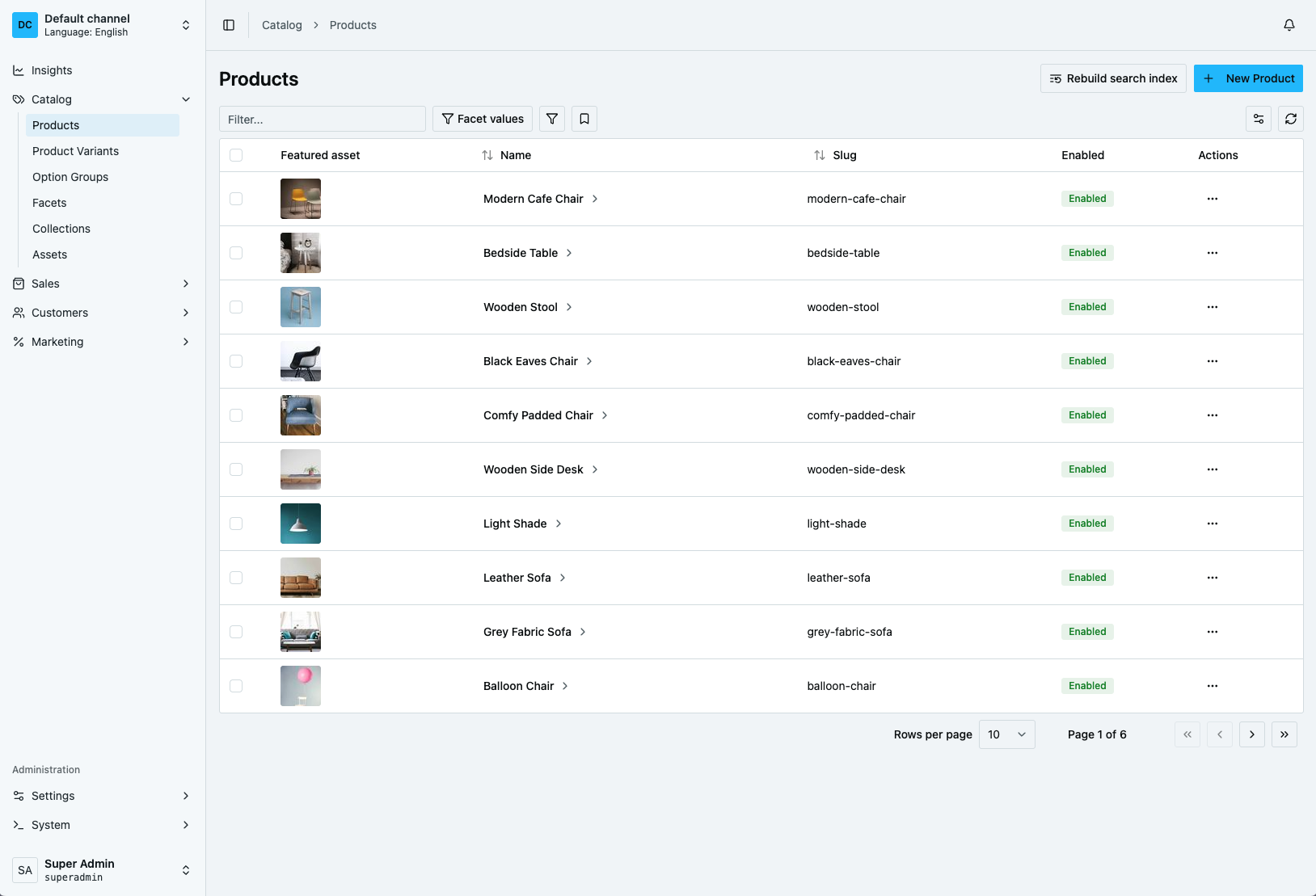
The channel system — native multi-store
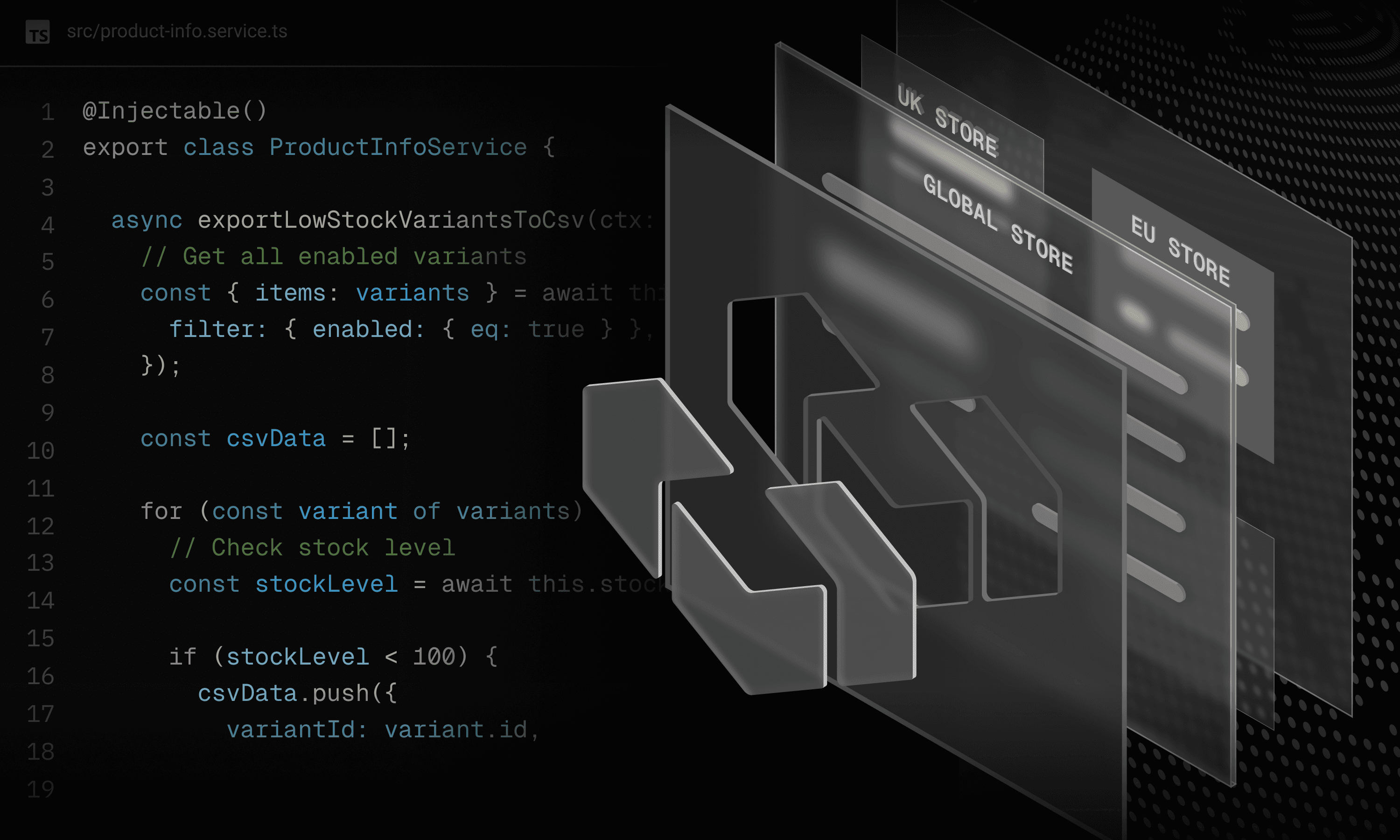
A channel in Vendure is a logical store. You can have multiple channels in a single installation — each with its own currency, its own languages, its own catalog, its own payment methods.
This is the ideal foundation for a multi-vendor marketplace, or for a store that operates in several countries with different currencies.
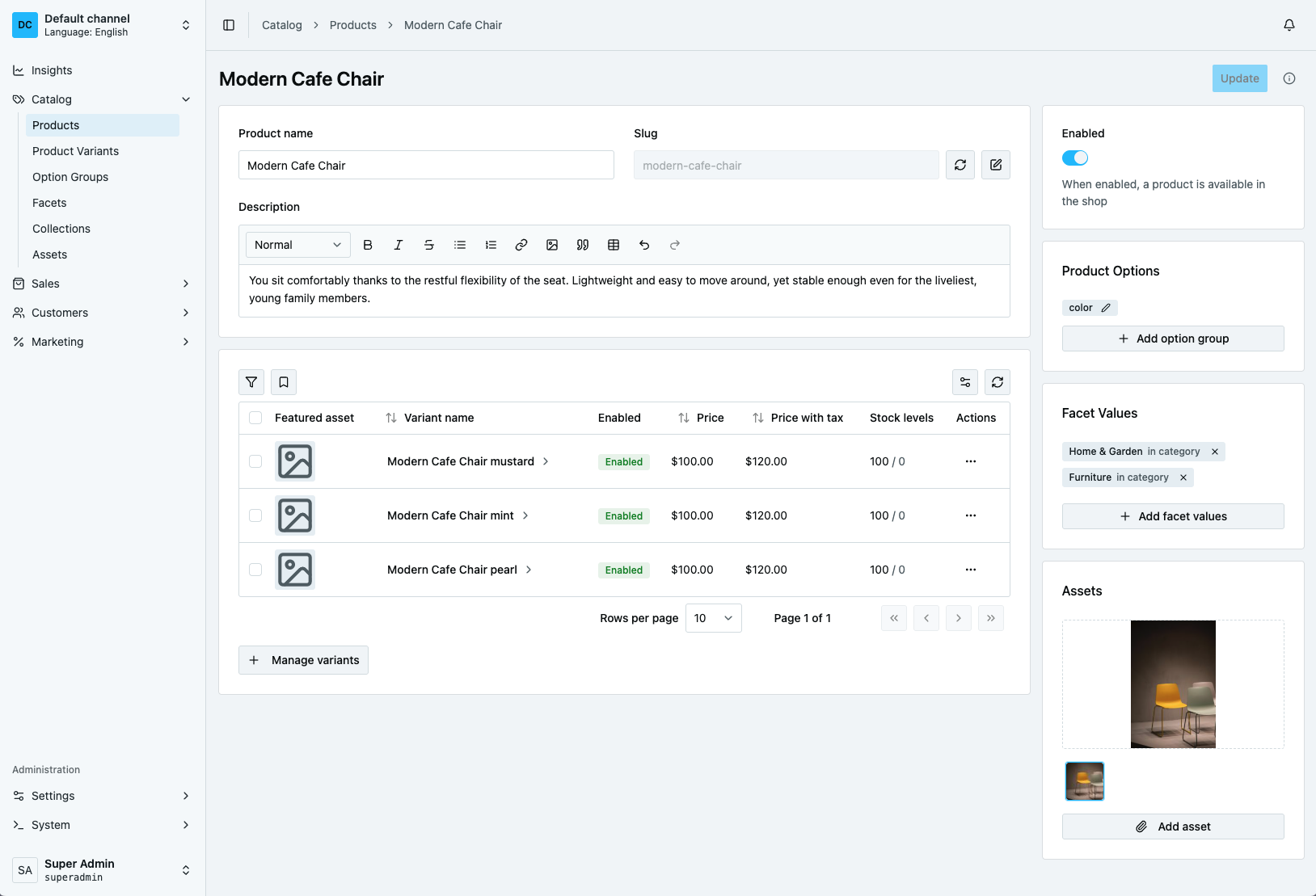
4. The GraphQL API — two endpoints, a living schema
Vendure exposes two distinct GraphQL endpoints:
- Shop API (
/shop) — the public API for customers. It exposes products, the cart, checkout, customer orders. - Admin API (
/admin) — the private API for management. It exposes the entire back office.
RequestContext — the pattern that structures everything
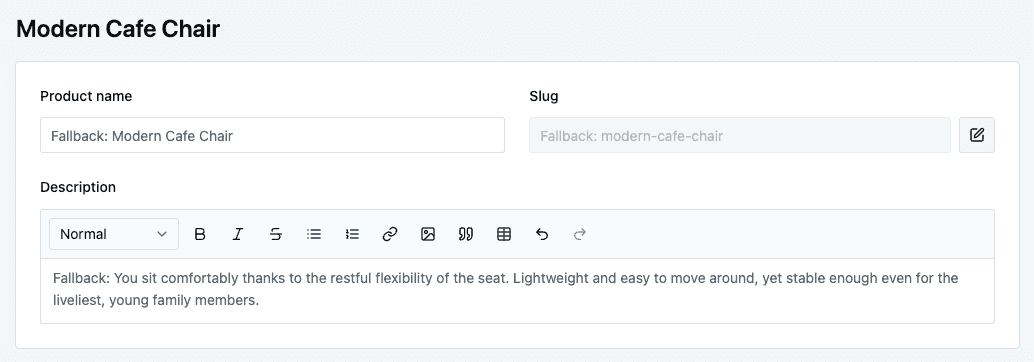
Every operation in Vendure begins with a RequestContext. This context carries: the active channel, the requested language, the authenticated user, and the active database transaction.
@Resolver()
export class MonResolver {
  constructor(private monService: MonService) {}

  @Query()
  async maQuery(@Ctx() ctx: RequestContext, @Args("id") id: string) {
    return this.monService.trouverQuelqueChose(ctx, id)
  }
}
Passing ctx to every service call ensures that each operation executes in the correct language and transaction context, resolving multi-language and multi-currency edge cases.
5. The payment system PaymentMethodHandler
This is the most important interface if you are building payment integrations. It is designed to cleanly separate initiation and capture.
import {
  CancelPaymentResult,
  CreatePaymentResult,
  LanguageCode,
  PaymentMethodHandler,
  SettlePaymentResult,
} from "@vendure/core"

export const monPaymentHandler = new PaymentMethodHandler({
  code: "mon-provider",
  description: [
    { languageCode: LanguageCode.en, value: "My Payment Provider" },
  ],
  args: {
    apiKey: {
      type: "string",
      label: [{ languageCode: LanguageCode.en, value: "API Key" }],
    },
    environment: {
      type: "string",
      label: [{ languageCode: LanguageCode.en, value: "Environment" }],
    },
  },

  async createPayment(
    ctx,
    order,
    amount,
    args,
    metadata
  ): Promise<CreatePaymentResult> {
    const response = await monApi.initiate({
      amount: amount,
      reference: order.code,
      apiKey: args.apiKey,
    })
    return {
      amount,
      state: "Authorized" as const,
      transactionId: response.transactionId,
      metadata: { providerRef: response.ref },
    }
  },

  async settlePayment(ctx, order, payment, args): Promise<SettlePaymentResult> {
    const verified = await monApi.verify(payment.transactionId, args.apiKey)
    return {
      success: verified.status === "SUCCESS",
      errorMessage: verified.status !== "SUCCESS" ? verified.reason : undefined,
    }
  },
})
This separation perfectly reflects the reality of mobile money. createPayment registers the initial user request, while settlePayment captures it asynchronously once the payment webhook receives confirmation.
6. The Event System — clean communication
Vendure exposes a NestJS EventBus based on RxJS. Every significant action in the system emits an event.
this.eventBus.ofType(PaymentStateTransitionEvent).subscribe(async (event) => {
  if (event.toState === "Settled") {
    // Trigger a notification, call an external service
    console.log(`Payment confirmed for order ${event.order.code}`)
  }
})
This decouples your core commerce handlers from external side-effects like custom analytics, email updates, or regional WhatsApp alerts.
7. The database: TypeORM without friction
Vendure uses TypeORM for all database persistence. When you create a plugin with its own entities, you declare them in @VendurePlugin({ entities: [...] }) and Vendure automatically integrates them.
@Entity()
export class MonEntite extends VendureEntity {
  constructor(input?: DeepPartial<MonEntite>) {
    super(input)
  }

  @Column()
  orderId: ID

  @Column()
  reference: string
}
8. Vendure in production — what you need to know
Custom fields — extend without manual migration
Add fields to any Vendure entity via configuration, without writing a migration. Vendure handles database mapping and extends the GraphQL API automatically:
const config: VendureConfig = {
  customFields: {
    Order: [
      { name: "deliveryZone", type: "string", nullable: true },
      { name: "whatsappSent", type: "boolean", defaultValue: false },
    ],
  },
}
Getting Started and Local Setup
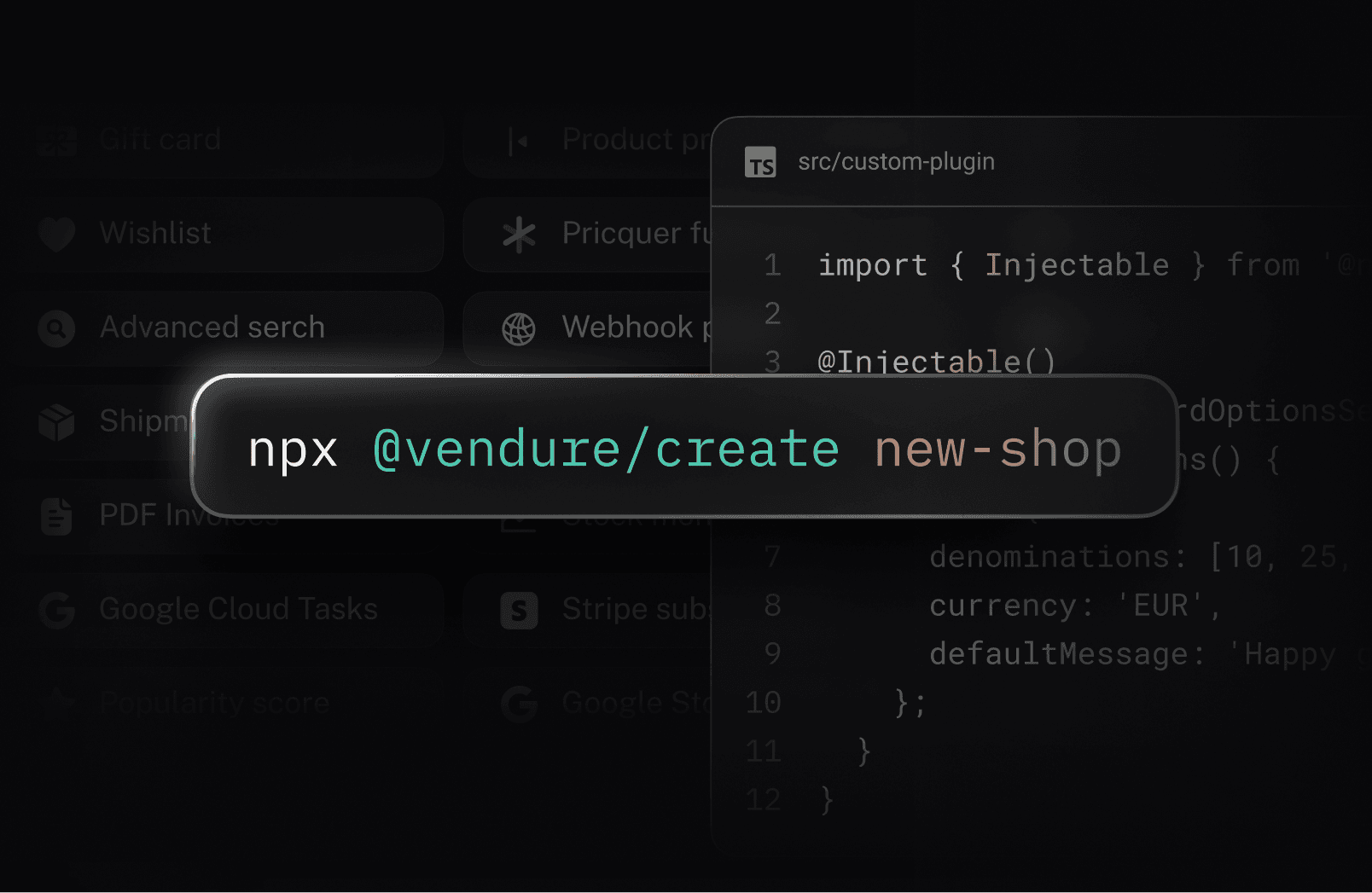
Getting started with Vendure is direct. By running the official CLI, you can provision a new e-commerce instance in minutes, preconfigured with GraphQL endpoints and the Admin UI dashboard.
Conclusion: When to use Vendure?
Vendure is the right choice when you build in TypeScript, want a commerce backend that scales, need full control over your hosting, and require custom logic that standard SaaS models cannot accommodate.
It is this flexibility that convinced me to build Shoperzz on Vendure — leveraging its architecture to configure payment and notification plugins customized for regional African marketplaces.